
Download Words Guesser – word puzzle game, Twitch stream, real-time collaboration, interactive game, community engagement, PC puzzle game, mystery letters, trick letters, streaming game
Overview
Words Guesser is a uniquely designed puzzle game that bridges the gap between interactive entertainment and live streaming culture. Built specifically for PC users, this game leverages the collaborative energy of Twitch streams to deliver a real-time word-solving experience. The core purpose of Words Guesser is to transform passive viewership into active participation by inviting audiences to solve jumbled letter boards alongside streamers. This model directly addresses the growing demand for interactive content that strengthens community bonds during live broadcasts. The game is ideal for streamers seeking to boost engagement and viewers looking for a fun, low-barrier way to contribute during a broadcast.
Real-world use cases include live gaming events, charity streams, and casual content creation where interactivity is key. By integrating elements like mystery letters and trick letters, the game introduces strategic depth and surprise, ensuring that each session feels distinct. Although the developer did not provide additional background details, the game’s focus on community-driven gameplay suggests a targeted approach to modern streaming dynamics. Its presence in the puzzle genre enhances the app ecosystem by offering a niche yet scalable format that combines cognitive challenge with social connection.
Key Features & Functionality
- Collaborative Gameplay: Streamers and viewers work together in real time to solve word puzzles, turning passive viewers into active contributors. This feature strengthens community bonds and increases audience retention during live streams.
- Progressive Difficulty: As players advance, the complexity of letter boards increases. This gradual escalation ensures sustained engagement and prevents early fatigue, making it suitable for both casual and dedicated players.
- Real-Time Interaction: The game supports live input from viewers, enabling immediate feedback and dynamic responses. This responsiveness is crucial for maintaining momentum during fast-paced streams.
- Unique Letter Challenges: Special trick letters alter gameplay by introducing unexpected changes, while mystery letters remain hidden until revealed through interactive actions. These mechanics add unpredictability and encourage strategic thinking.
- Exclusive PC Availability: The game is only available on PC via Steam, ensuring a consistent, high-quality experience with full graphical and performance capabilities from launch.
For example, during a charity stream, a streamer might present a board with a mystery letter that only appears after the audience collectively guesses a certain number of words. This mechanic fosters teamwork and creates memorable moments. The integration of trick letters can also be used to add humor or surprise, such as a letter that swaps with another mid-game, requiring quick adaptation.
Interface, UX & Performance
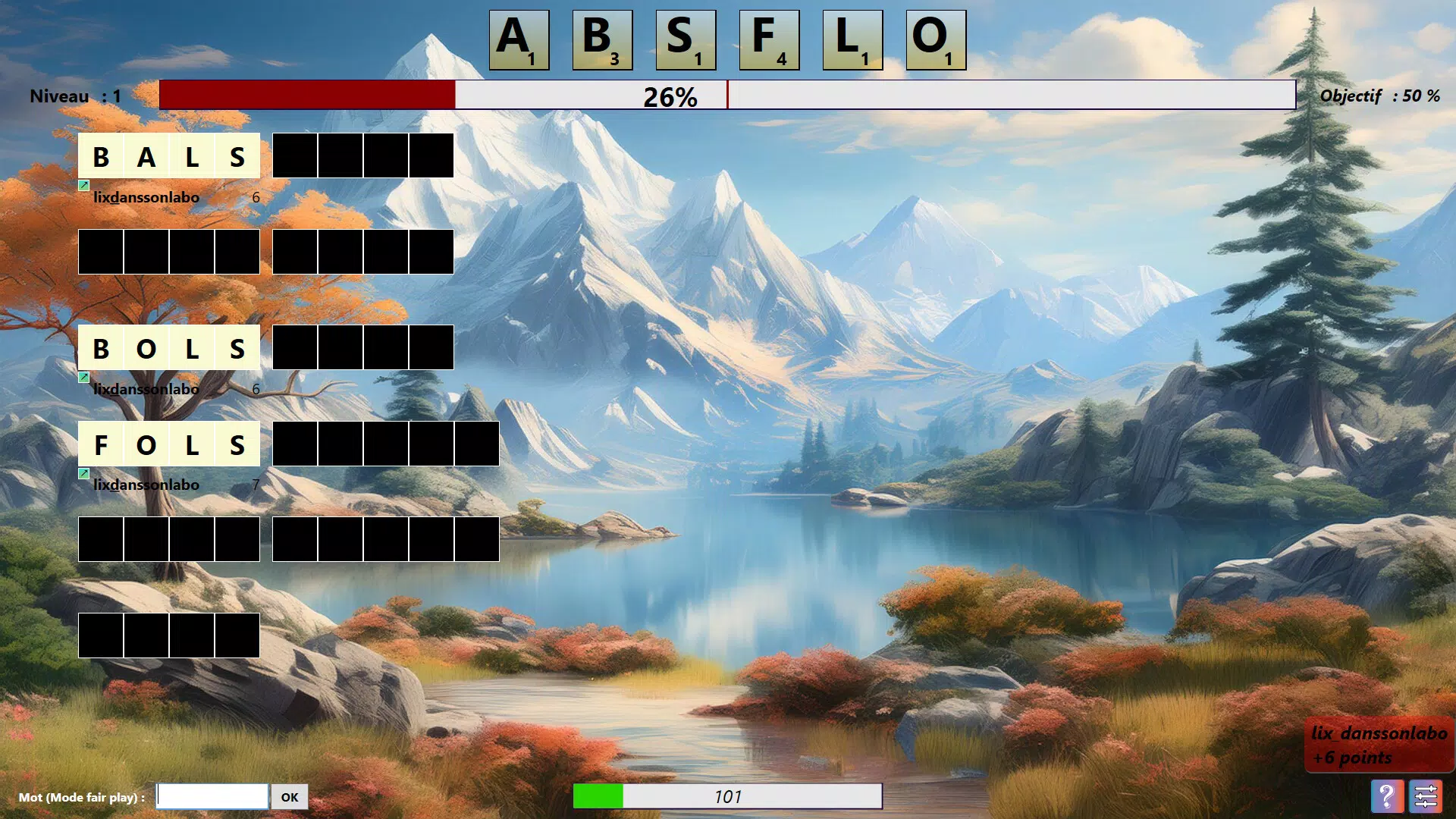
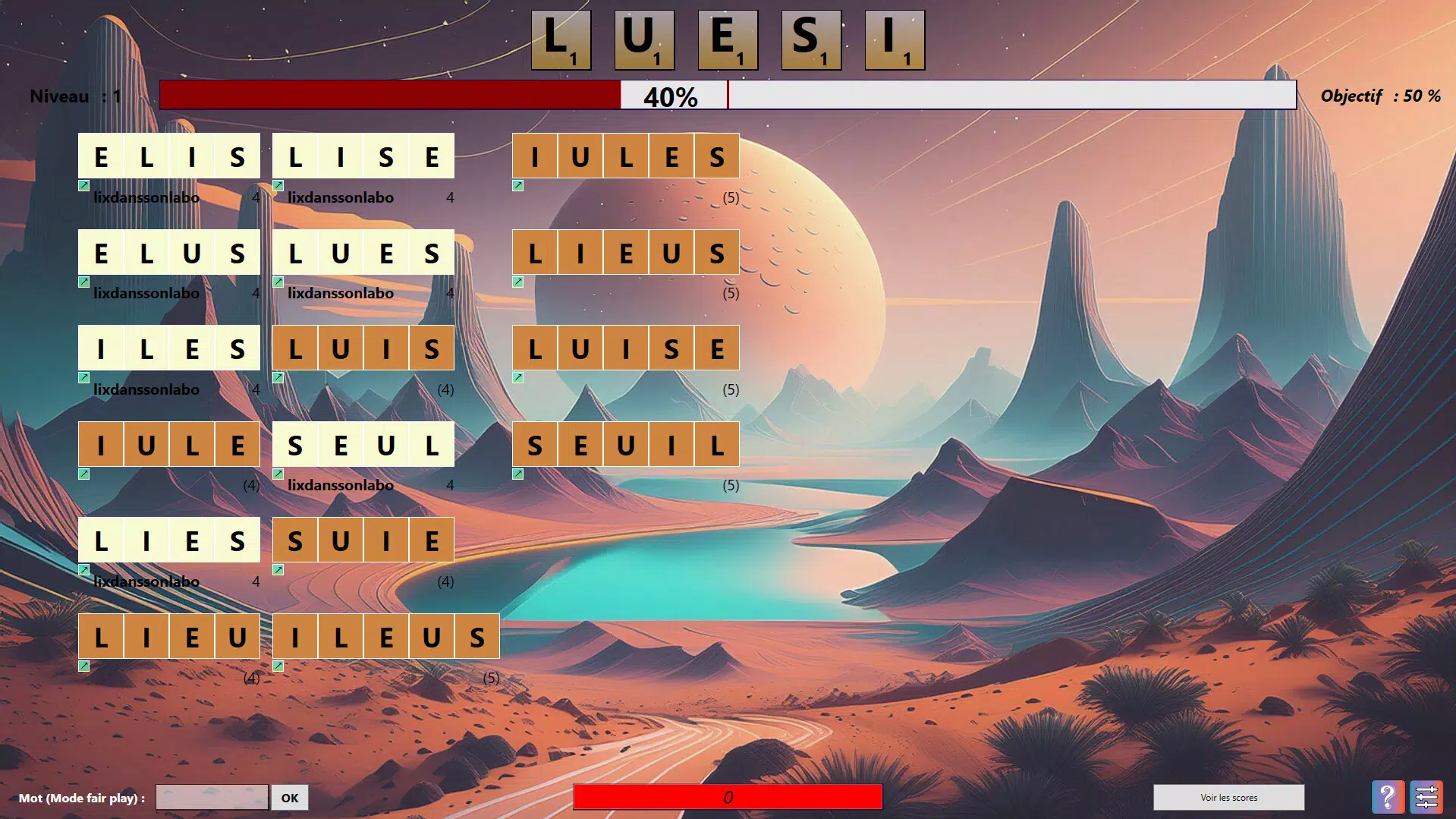
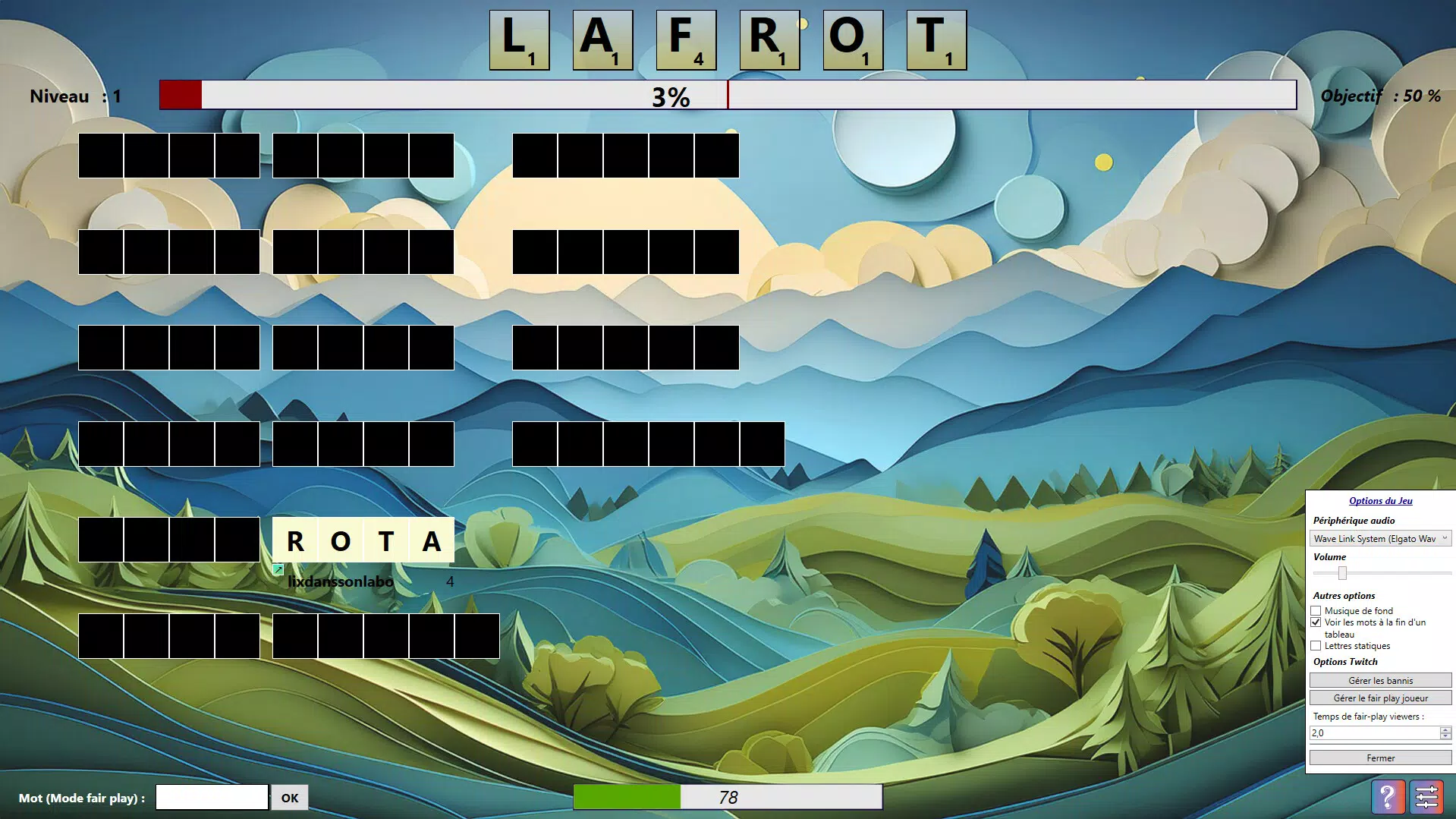
Words Guesser features a clean, intuitive interface designed to support real-time collaboration without visual clutter. The layout emphasizes clarity, with letter boards clearly displayed and interactive elements positioned for easy access. Navigation is straightforward, allowing streamers and viewers to quickly understand the current state of play and contribute effectively. The visual style is modern and minimalistic, focusing on readability and responsiveness.
Although the developer did not list formal performance metrics, the game’s design suggests optimization for stable operation during live broadcasts. The interface remains responsive even under high viewer interaction, which is essential for maintaining engagement. Stability appears to be a priority, given the game’s exclusive release on PC with a full feature set from launch. Compatibility across various PC configurations was not fully disclosed, but the 1.5 GB file size indicates a balanced approach to resource usage.
Platform Compatibility & Technical Requirements
Words Guesser is exclusively available on PC, with no information provided on specific operating system versions or hardware requirements. The game’s file size is 1.5 GB, which is typical for a full-featured puzzle game with rich visuals and interactive elements. The developer did not specify minimum OS requirements or recommended specifications, nor did they detail compatibility with older or newer systems.
Given the game’s release on Steam, it is expected to support major Windows versions. However, without explicit details, users should verify compatibility with their system before installation. The game is not available on mobile platforms, which aligns with its focus on PC-based streaming environments. No information was provided about cloud gaming, VR, or cross-platform functionality.
Pros and Cons
- Real-time collaboration between streamers and viewers enhances community engagement
- Progressive difficulty ensures long-term replayability and challenge
- Unique mechanics like mystery and trick letters add strategic depth and surprise
- Exclusive PC release ensures a polished, full-featured experience from launch
- Designed specifically for streaming, making it ideal for content creators
- Not available on mobile or console platforms
- Requires a PC and Steam account to play
- Price point of $9.99 may be a barrier for casual users
- No information on cross-platform play or future updates
- Specific system requirements were not disclosed
FAQ
Is Words Guesser available on mobile devices?
Words Guesser is exclusively available on PC via Steam and is not currently available for mobile platforms.
Can I play Words Guesser without a Twitch stream?
While the game is optimized for Twitch streams, it can be played in solo mode or with a small group of friends, though the full collaborative experience is best realized during live broadcasts.
What makes Words Guesser different from other word games?
Unlike traditional word puzzles, Words Guesser features real-time collaboration, mystery letters, and trick letters that dynamically alter gameplay, creating a unique interactive experience tailored for streaming communities.
Do I need a Steam account to play?
Yes, Words Guesser is distributed exclusively through Steam, so a Steam account is required to download and install the game.
Is the game updated regularly?
While the developer has not provided information on update frequency, the game launched with a complete feature set, suggesting a focus on stability and full functionality at release.
Final Thoughts
Words Guesser stands out in the puzzle genre by redefining how interactive games can serve live streaming communities. Its blend of real-time collaboration, strategic letter mechanics, and exclusive PC availability creates a compelling value proposition for streamers and engaged viewers alike. While the $9.99 price tag may deter some, the game’s unique design and focus on community engagement justify the investment for content creators seeking to elevate their broadcasts.
For those who value interactive entertainment and live audience participation, Words Guesser delivers a fresh, dynamic experience. Its emphasis on teamwork and surprise elements ensures that no two sessions are the same. Whether used for charity events, casual gaming, or competitive challenges, the game enhances the social fabric of streaming culture.
Download Words Guesser now


